
Ascension Parish VINELink Coverage
Louisiana runs its notification network under the name LA VINE. The program has strong backing. The Louisiana Commission on Law Enforcement administers it together with the Sheriffs' Association, the District Attorneys' Association, and the Department of Public Safety and Corrections. Coverage extends to adults in parish jails and state prisons. Use is free and can stay anonymous. Ascension Parish takes part. That makes VINE a solid second check after any Ascension Parish Jail booking.
Participation has limits, though. VINE only knows what participating agencies send it. Someone can sit in transport, intake, or a city hold before any record reaches the system. Others get released first. Juvenile custody never shows up like an adult record. For live parish custody, pair VINE with the APSO New World Inmate Inquiry. Court outcomes belong to the Clerk and the 23rd Judicial District Court.
VINE follows one identified person. It does not list everyone arrested in the parish. The gap matters when an arrest is only hours old. A Gonzales, Donaldsonville, Sorrento, or APSO arrest may wait in local intake first. The Ascension arrests in the last 24 hours guide walks through that early window.
Check an Ascension Arrest
Start with the Louisiana VINELink person search. Run one person at a time. Then compare each result with identifiers from APSO or court papers. Names alone mix people up. Ascension records may carry an APSO subject or booking number, while the state later assigns a DPS&C number, so keep every number with the agency that issued it.
- Open the Louisiana person-search screen and confirm Louisiana is selected.
- Enter the person's name or an available offender, booking, identification, or case number.
- Review all matches instead of choosing the first similar name.
- Compare custody location, status, and identifier with the APSO booking record.
- Open the matching case, then choose the notification option if alerts are needed.
VINELink is not the official copy of anything. For the booking sheet, photograph, or later court record, the county-wide Ascension Parish recent-arrests guide explains how to get them. Similar names cause the classic mistake. Do not settle a match by age or looks. Numbers decide. Line up a booking or subject number from APSO, the facility, and any date from the originating source. A docket number belongs to the court alone. It will not work as an APSO or VINE identifier. The live Louisiana VINELink screen opens with the state pick and person-search entry point.
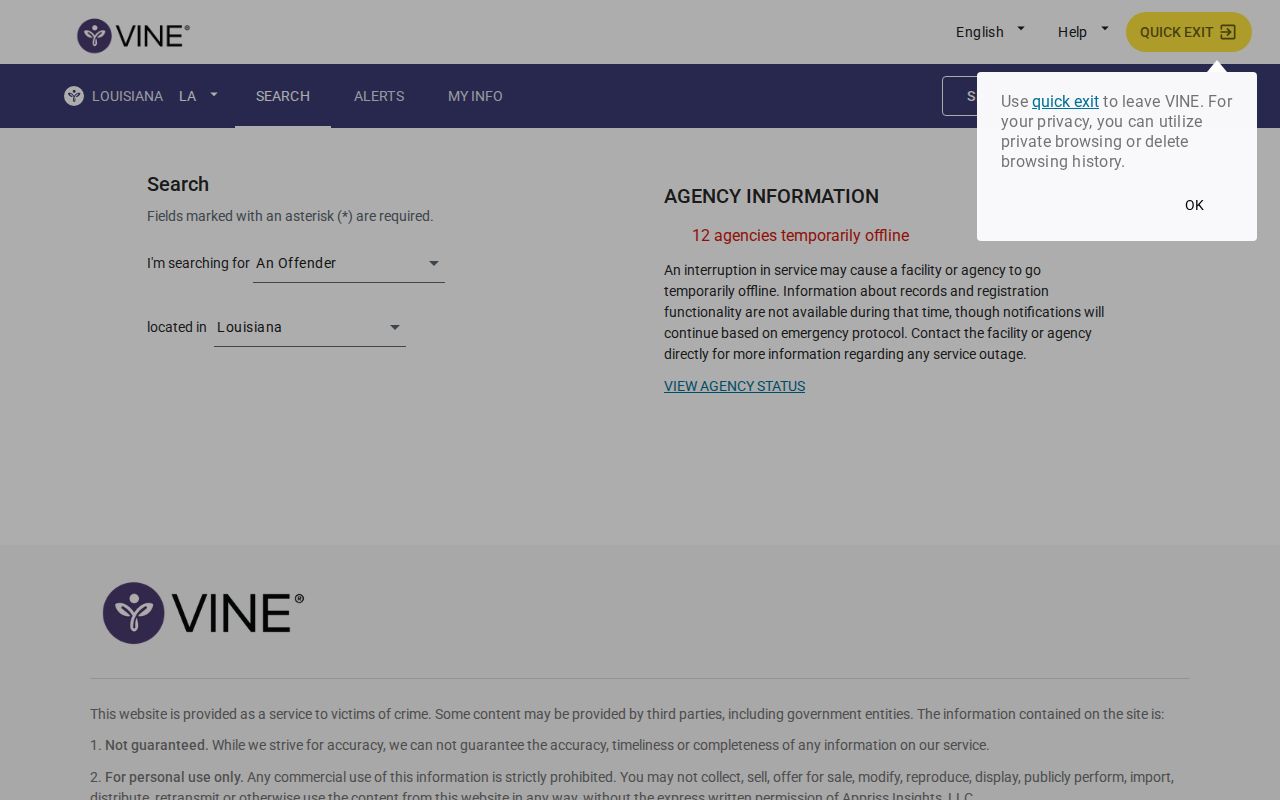
A VINELink lookup works from a name or case number. It is not a booking photo gallery.
Ascension Custody Result Fields
Each VINE result reflects what the holding agency reported. Fields vary by source. Read the status and facility together, and save the identifier before a transfer scrambles the picture.
| Field | How to use it |
|---|---|
| Name and identifier | Separate similar names and preserve the source record number. |
| Custody status | Shows the reported custody state, not guilt or the final charge result. |
| Custody location | Indicates the jail or state facility reporting the person. |
| Movement information | May reflect a release or transfer reported by the participating agency. |
| Notification option | Opens the registration flow for future status changes. |
VINE is a custody signal, nothing more. It does not promise a booking photograph. A release notice means custody changed. It says nothing about whether a charge stood or fell. For arraignment, filings, and the final disposition, the Clerk's court record is the place to look.
Treat each result as dated information. Facility and movement fields can point you to the right phone call. Charges, bond details, and court dates usually run deeper in the APSO booking detail or the court file, so leave blank fields blank instead of borrowing from a similar name.
Register Ascension Custody Alerts
Open the correct person or case first. Then choose the “Get Notified” option. Use the button on the live result. The vendor flow is session-based, so a saved or guessed registration address may not work later. Registration takes a phone number or email plus a four-digit PIN, which the recipient uses to confirm or change the alert.
- Verify the person and custody location first.
- Select the notification path on that matching record.
- Choose phone or email and the offered status events, such as release or transfer.
- Create the requested four-digit PIN and complete the confirmation step.
- Keep the PIN and record identifier in a secure place.
Prefer the phone? LA VINE runs a statewide line at 866-528-6748. An alert is a prompt, not a guarantee of exact timing. Always verify the event with the reporting agency. Pick a phone number or email the registrant can check privately. Skip PINs built from birth dates or other public identifiers. When an alert lands, write down the reported event and time. Then confirm the person's current location with the named facility. Do that before making any travel or safety-sensitive plans.
Ascension VINELink Update Timing
Timing claims vary by system, so read them carefully. The LCLE roster directory says its live parish rosters refresh every 30 minutes. The state's DPS&C locator, a separate tool, runs on a 24-hour cycle. Neither promise covers every moment. Intake, transfers, maintenance, and outages can all leave a record lagging.
A new Ascension Parish arrest also takes time to reach any database. Transport, booking, photography, and data entry all come first. If VINE returns no match, try the APSO portal with a booking date and name. Check again later. The jail's information line, 225-473-8674, answers custody questions directly. For an official booking copy, go through APSO's records route. A VINE screen is not that document.
An empty or slow VINE result never rules out an arrest or booking in Ascension Parish.
When timing matters, work a short chain. Pull the parish roster with a booking-date range first. Then call the jail information line to confirm physical custody right now. Once a matching record shows up, return to VINE and register. APSO's Tips app and its social pages serve public safety and news, not custody data. Neither carries a complete verified feed. The official APSO roster remains the parish-jail source for booking and custody details.
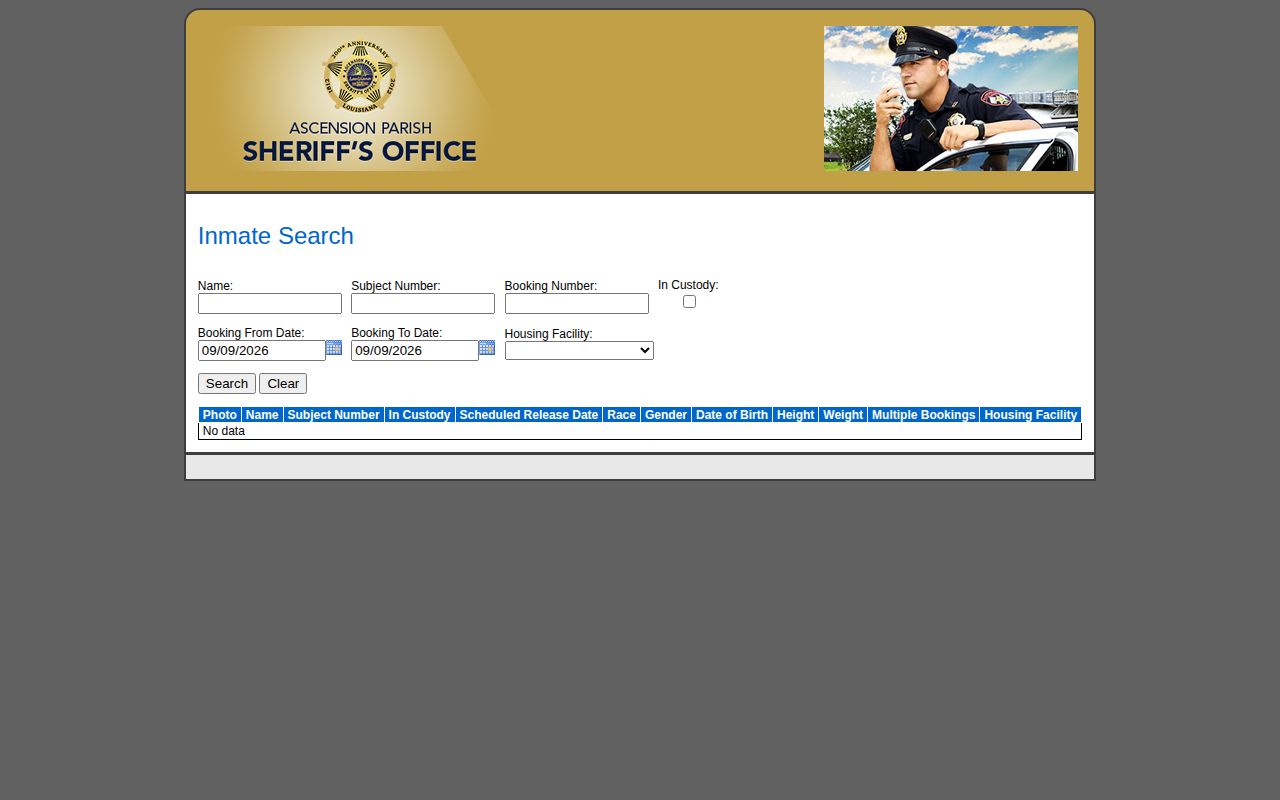
Its date, custody, and identifier fields show whether an Ascension booking has reached the public jail system.
Beyond Ascension Parish Custody
Each custody situation calls for its own tool. The Ascension Parish roster covers one jail. LA VINE reaches participating adult parish jails plus Louisiana state prisons. The DPS&C locator tracks state custody and supervision, which usually follow a sentence or a transfer, so it rarely helps with a fresh pretrial booking at the parish jail. Federal custody sits outside all of these. A federal prisoner needs the BOP locator. ICE's Online Detainee Locator follows its own rules and may demand an A-number or exact biographical details. Photographs are never promised on any of these systems. Move between systems only after a confirmed custody change, never on a name-only hunch. The Louisiana DPS&C inmate-information page details the state locator, its update schedule, and its phone option.
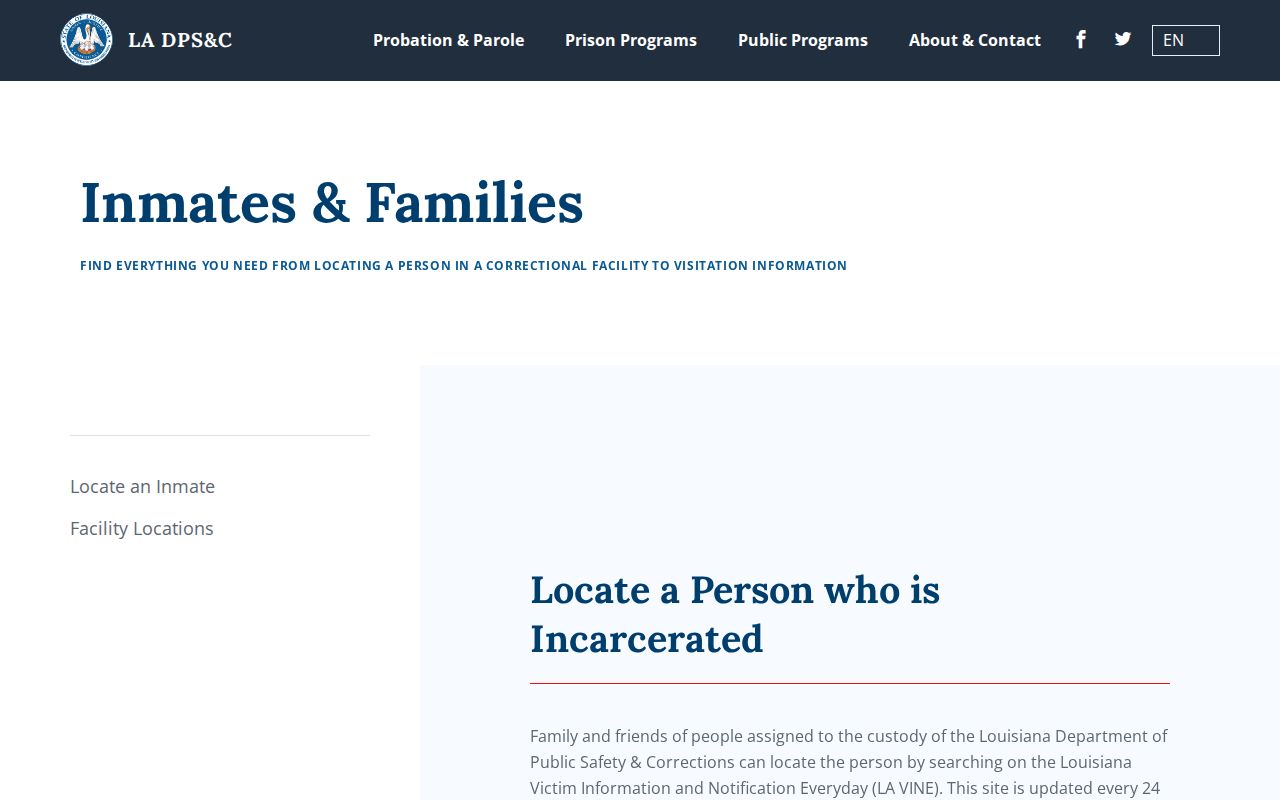
This state channel matters after a state placement, not simply because an arrest happened in Ascension Parish.
When Ascension Records Differ
Match each question to the source that answers it. APSO records whether the jail booked and held someone. VINE reports custody and movement data from participating agencies. DPS&C reports state placement or supervision. The court docket follows the charge after booking. Updates arrive at different speeds, and identifiers differ too.
For an official booking sheet or photograph, APSO wants a written request by USPS: Ascension Parish Sheriff's Office Headquarters, 828 S. Irma Blvd., Gonzales, LA 70737, Attn: Deputy Kyle Gautreau, Legal Affairs. State a narrow date range, add the booking number if known, and name the record you want. Current physical custody questions go to the jail by phone instead. Keep the APSO booking number, court docket number, and any DPS&C identifier in separate notes. That small trail prevents mistaken identity later. Write down the date and source of every check. Custody data shifts constantly, so an undated screenshot can misstate what an agency currently shows.